M Media Contact Wizard – Landscaping replaces your generic contact form with a five-step guided quote wizard tailored to landscaping and lawn care businesses. Instead of receiving “I need my yard done” with no detail, you get structured leads that identify services needed, property type, yard size, current condition, visit frequency, and photos – all before first contact. Drop the shortcode on any page – no page builder, no third-party form service, no monthly fee.
Every step is its own screen. The visitor moves forward only – no scrolling a wall of fields.
Step 3 includes a native file upload field. Visitors can attach up to 6 photos (JPG, JPEG, PNG, GIF, WebP, HEIC, HEIF – max 10 MB each). Files are stored in your WordPress uploads directory under landscape_leads/. The step note reads: “Photos give us the context to provide a much more accurate estimate – even phone screenshots work great.” A conditional Anything you’d like us to notice in the photos? textarea lets the visitor annotate the images.
Every completed submission creates a Landscape Lead custom post type entry in your WordPress admin. All form fields are saved as individual post meta keys under the mlcw_ prefix. Leads appear under Landscape Leads in the sidebar – browse, search, and review without leaving WP admin.
On successful submission, the plugin sends an admin notification email containing all submitted field values, including photo file paths. The recipient address is the site’s admin email by default and is configurable from the plugin settings screen.
$29.99
Perpetual License
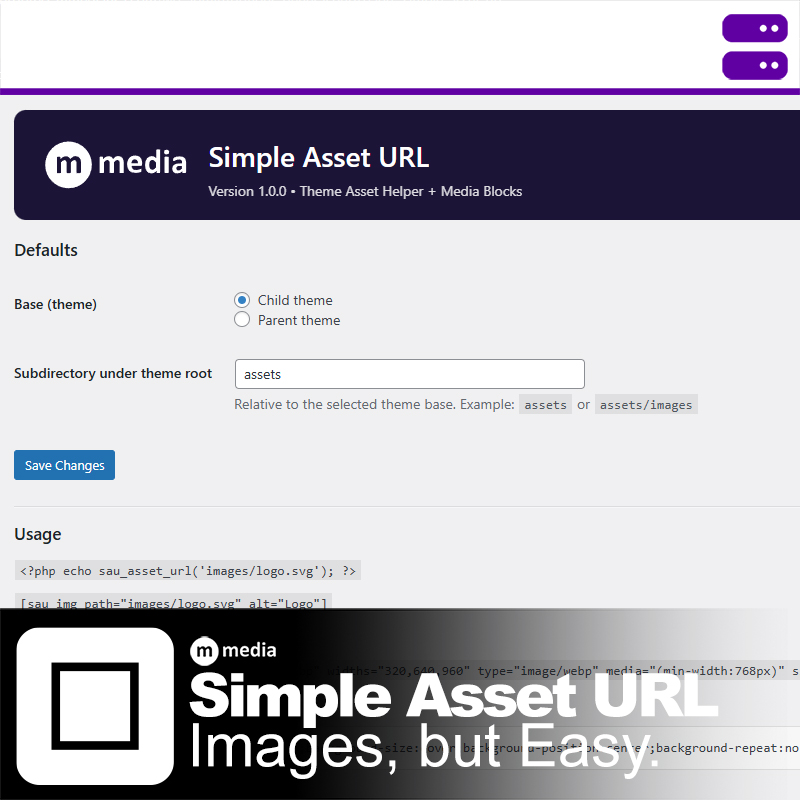
M Media Simple Asset URL is a developer-focused WordPress utility that lets you reference theme assets directly—without uploading files to…
Real-time USPS shipping rates for WooCommerce using the new OAuth API (2026+). The United States Postal Service is transitioning its…
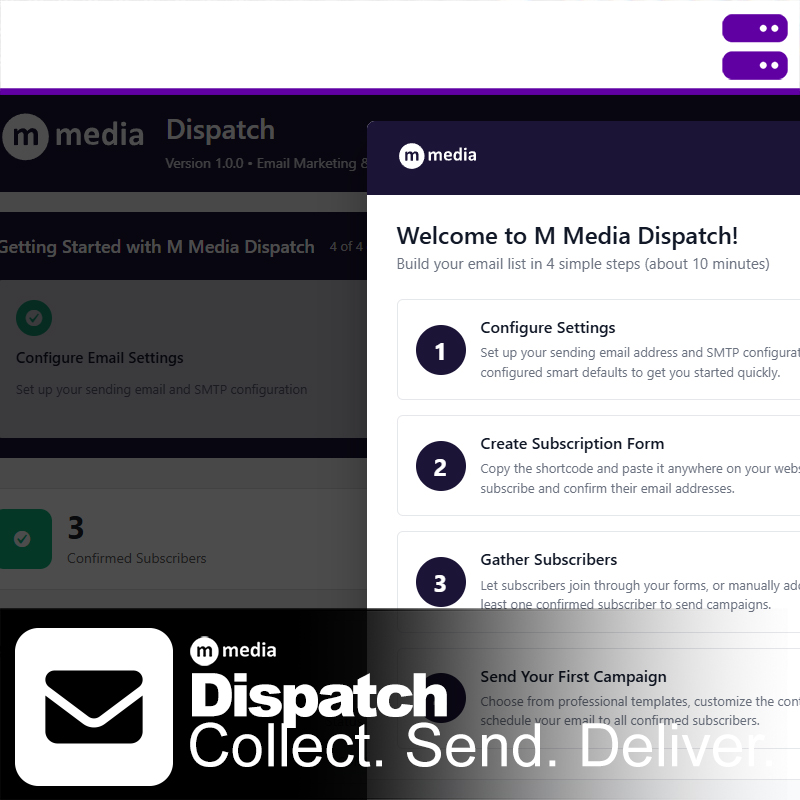
M Media Dispatch is a self-hosted email dispatch and subscriber management plugin for WordPress. It gives you reliable SMTP delivery,…
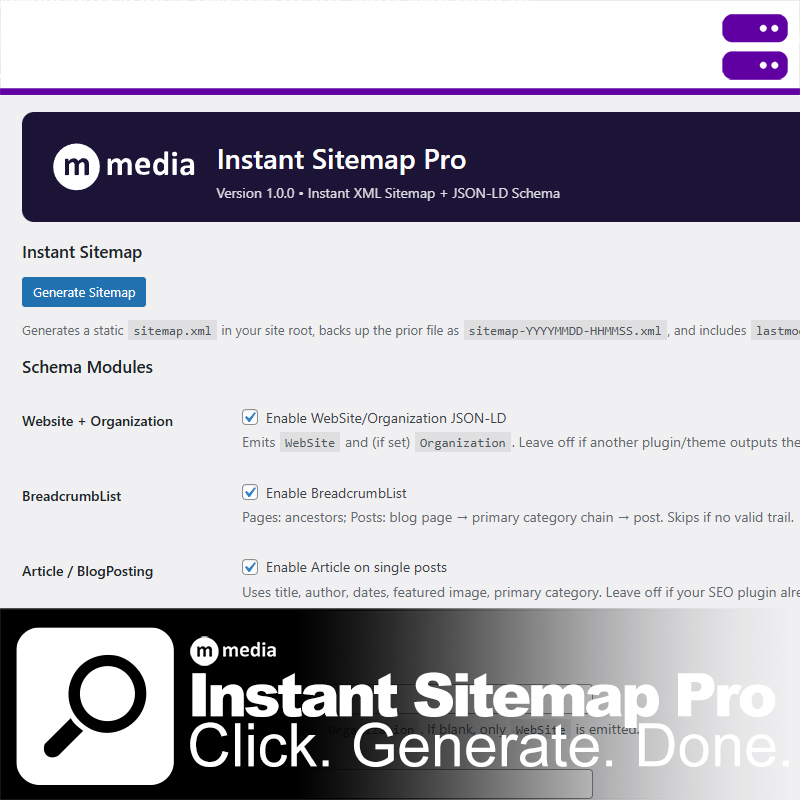
M Media Instant Sitemap Pro is a lightweight WordPress sitemap and JSON-LD schema plugin designed to be fast, predictable, and…
We don't believe in dark patterns, forced subscriptions, or holding your data hostage. M Media software products use clear, upfront licensing with no hidden traps.
You buy the software. You run it. You control your systems.
Licenses are designed to work offline, survive reinstalls, and respect long-term use. Updates are optional, not mandatory. Your tools don't suddenly stop working because a payment failed or a server somewhere changed hands.
M Media software isn't venture-funded, trend-chasing, or built to look good in pitch decks. It's built by developers who run their own servers, ship their own products, and rely on these tools every day.
That means fewer abstractions, fewer dependencies, and fewer "coming soon" promises. Our software exists because we needed it to exist — to automate real work, solve real problems, and keep systems running without babysitting.
We build software the way it used to be built: practical, durable, and accountable. If a feature doesn't save time, reduce friction, or make something more reliable, it doesn't ship.
This is software designed to stay installed — not be replaced next quarter.