M Media Contact Wizard – Painting replaces your generic contact form with a five-step guided quote wizard tailored to painting contractors. Instead of “I need my house painted,” you get structured leads that specify which surfaces, surface condition, number of rooms, prep requirements, paint preferences, and whether the property will be occupied – all before you ever visit the site. Drop the shortcode on any page – no page builder, no third-party form service, no monthly fee.
Every step is its own screen. The visitor moves forward only – no scrolling a wall of fields.
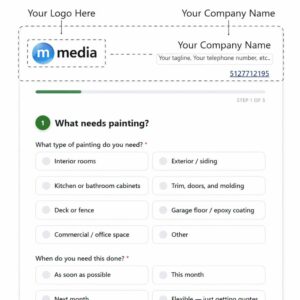
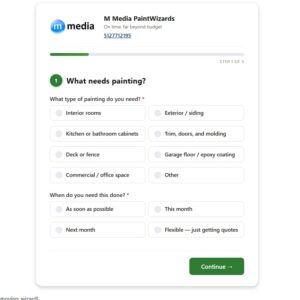
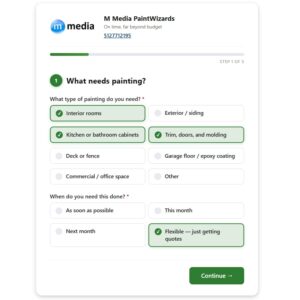
Step 1 – What needs painting: What type of painting do you need? Checkbox group (required): Interior rooms, Exterior / siding, Kitchen or bathroom cabinets, Trim, doors, and molding, Deck or fence (revealed by default), Garage floor / epoxy coating (revealed by default), Commercial / office space (revealed by default), Other. Selecting “Other” reveals a Please describe text field. When do you need this done? Radio group (required): As soon as possible, This month, Next month, Flexible – just getting quotes.
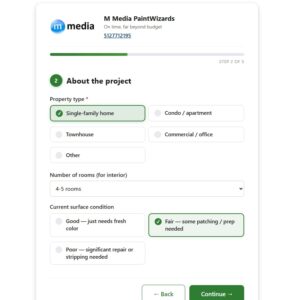
Step 2 – About the project: Property type radio group (required): Single-family home, Condo / apartment, Townhouse, Commercial / office, Other. Number of rooms (for interior) (select: 1 room, 2–3 rooms, 4–5 rooms, 6–8 rooms, Entire home / open concept, Not applicable). Current surface condition radio group: Good – just needs fresh color, Fair – some patching / prep needed, Poor – significant repair or stripping needed. How many stories (for exterior)? (select: 1 story, 2 stories, 3+ stories, Not applicable – revealed by default). Any paint brand or finish preference? (text: e.g. Benjamin Moore, eggshell finish – revealed by default).
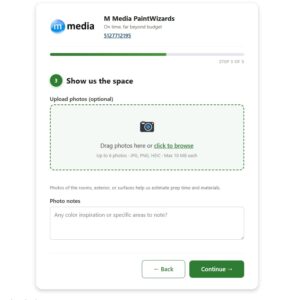
Step 3 – Photos: See Photo Upload section below.
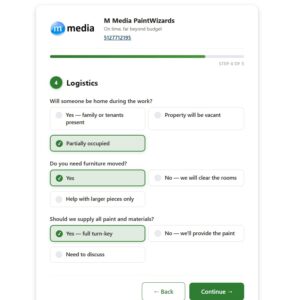
Step 4 – Logistics: Will someone be home during the work? Radio group: Yes – family or tenants present, Property will be vacant, Partially occupied. Do you need furniture moved? Radio group: Yes, No – we will clear the rooms, Help with larger pieces only. Should we supply all paint and materials? Radio group: Yes – full turn-key, No – we’ll provide the paint, Need to discuss.
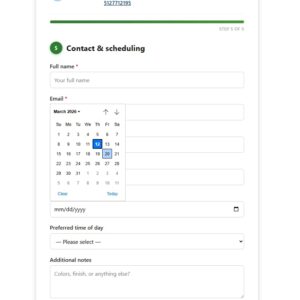
Step 5 – Contact & scheduling: Full name (text, required); Email address (email, required); Phone number (tel); Property address (text); Preferred start date (date picker); Preferred time of day (select: Morning 8am–12pm, Afternoon 12pm–5pm, Flexible); Approximate budget (select: Under $500 → Over $7,000, Not sure yet – revealed by default); Additional notes (textarea – colors, finish, or anything else); How did you hear about us? (select – revealed by default); Send me updates by text (checkbox – revealed by default); Privacy consent (checkbox, required).
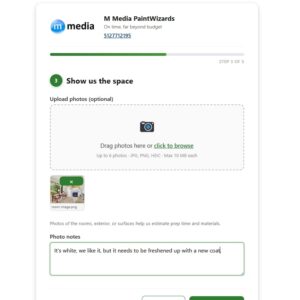
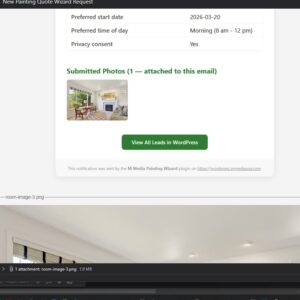
Step 3 includes a native file upload field. Visitors can attach up to 6 photos (JPG, JPEG, PNG, GIF, WebP, HEIC, HEIF – max 10 MB each). Files are stored in your WordPress uploads directory under painting_leads/. The step note reads: “Photos of the rooms, exterior, or surfaces help us estimate prep time and materials.” A Photo notes textarea lets the visitor share color inspiration or call out specific areas.
Every completed submission creates a Painting Lead custom post type entry in your WordPress admin. All form fields are saved as individual post meta keys under the mpaw_ prefix. Leads appear under Painting Leads in the sidebar – browse, search, and review without leaving WP admin.
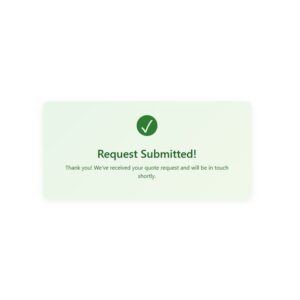
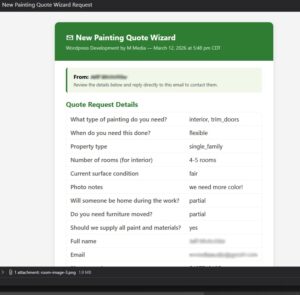
On successful submission, the plugin sends an admin notification email containing all submitted field values, including photo file paths. The recipient address is the site’s admin email by default and is configurable from the plugin settings screen.
$19.99
Perpetual License
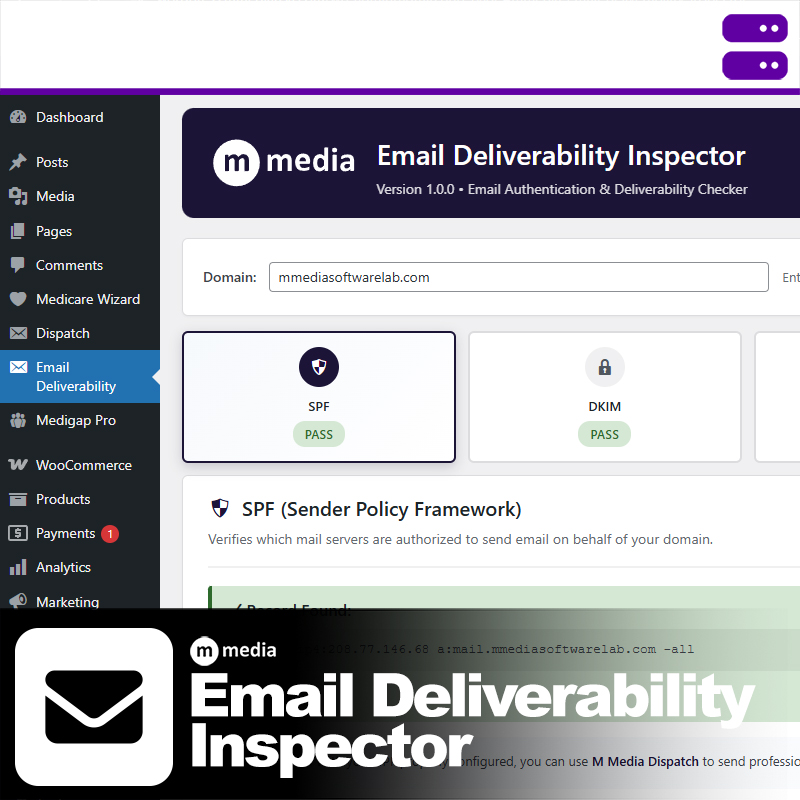
M Media Email Deliverability Inspector is a free WordPress diagnostic tool for verifying email authentication and deliverability. It checks SPF,…
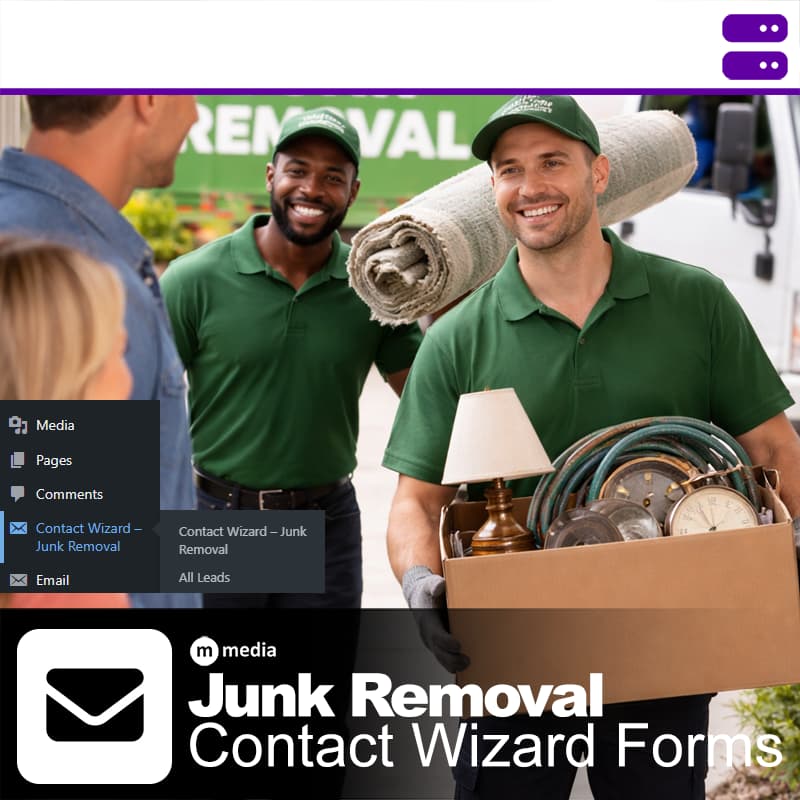
M Media Contact Wizard - Junk Removal is a multi-step lead capture form for WordPress, built for junk removal and…
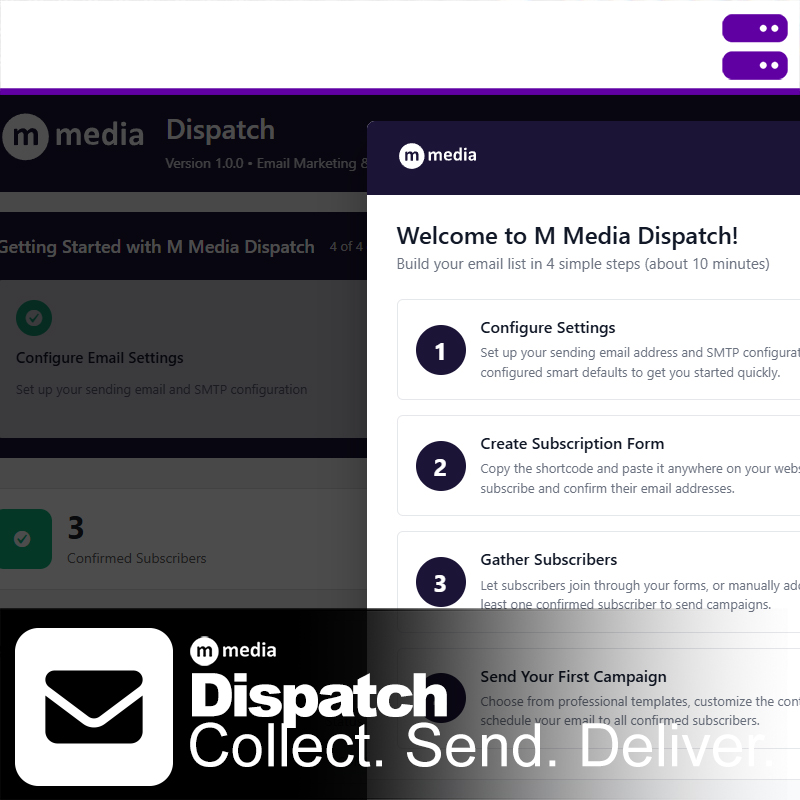
M Media Dispatch is a self-hosted email dispatch and subscriber management plugin for WordPress. It gives you reliable SMTP delivery,…
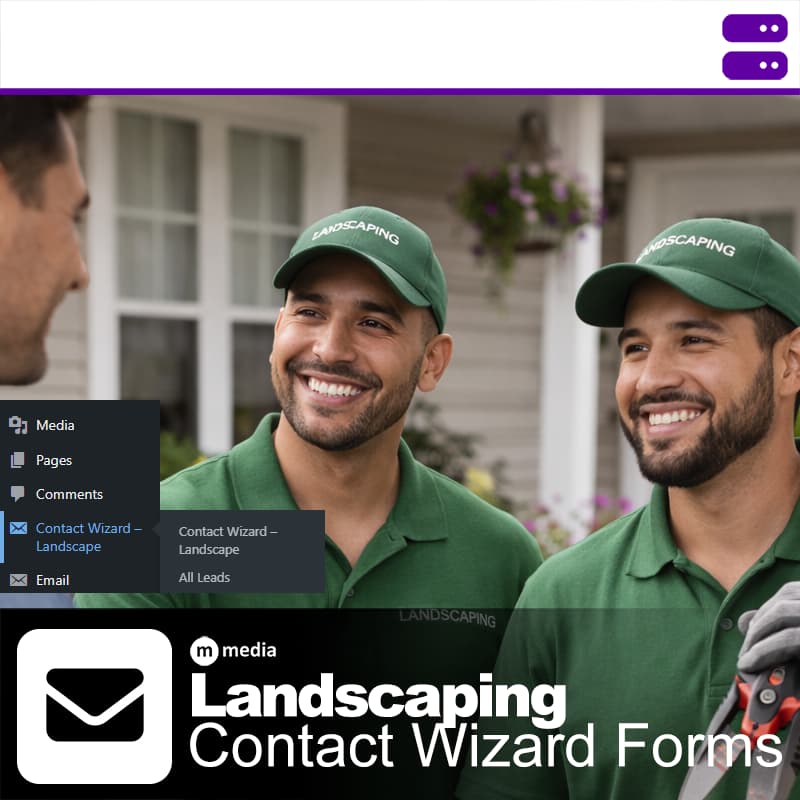
M Media Contact Wizard - Landscaping is a multi-step lead capture form for WordPress, built for landscaping and lawn care…
landscape_leads/ - no third-party storage requiredEver contact support and immediately know you're talking to someone reading a script? Someone who's never actually used the product? Yeah, we hate that too.
M Media support means talking to developers who wrote the code, understand the edge cases, and have probably hit the same problem you're dealing with. No ticket escalation theatrics. No "have you tried restarting?" when your question is clearly technical.
Documentation written by people who got stuck first. Support from people who fixed it.
We don't outsource support to the lowest bidder or train AI on canned responses. When you ask a question, you get an answer from someone who can actually read the logs, check the source code, and explain what's happening under the hood.
We don't believe in dark patterns, forced subscriptions, or holding your data hostage. M Media software products use clear, upfront licensing with no hidden traps.
You buy the software. You run it. You control your systems.
Licenses are designed to work offline, survive reinstalls, and respect long-term use. Updates are optional, not mandatory. Your tools don't suddenly stop working because a payment failed or a server somewhere changed hands.