
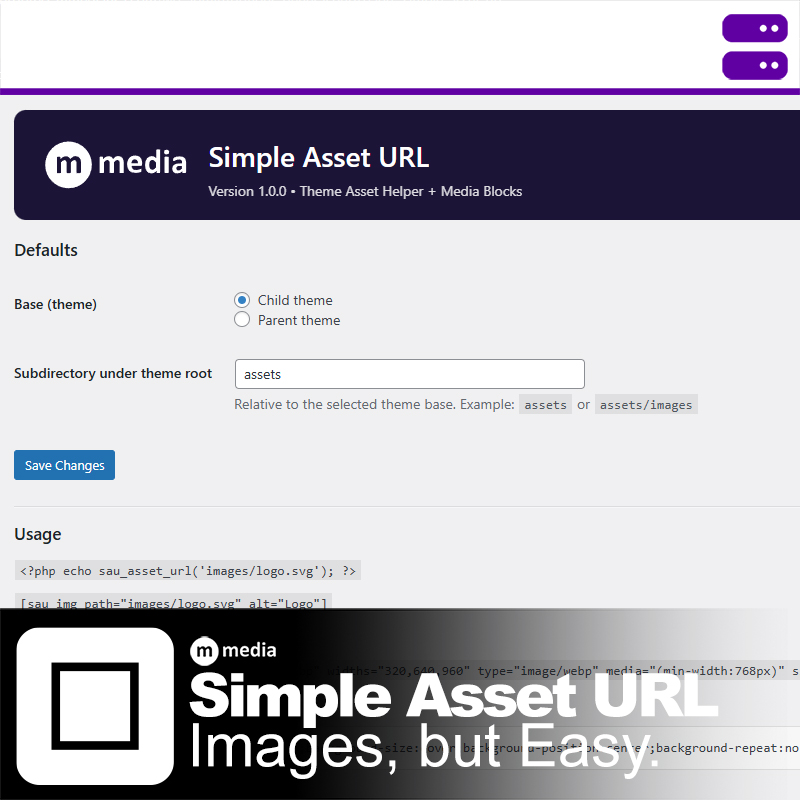
A Better Asset Workflow for Developers
The WordPress Media Library was never designed for theme assets. Logos, icons, UI graphics, and layout images don’t belong in a global upload pile.
Simple Asset URL restores a clean, predictable workflow: assets live in your theme, and you reference them directly—just like modern web development expects.
Drop Files. Reference Them Instantly.
Place images, CSS, or other static files in your theme’s /assets/ directory and reference them immediately.
- No uploads
- No renaming
- No Media Library clutter
Your folder structure stays intact and readable.
Child-Theme Safe by Design
The plugin automatically detects the active theme context.
- Checks the child theme first
- Falls back to the parent theme when needed
- No hard-coded paths or fragile assumptions
This makes it ideal for long-lived projects and theme customization.
Built-In Responsive Image Support
Modern image delivery is a first-class feature—not an afterthought.
- Pattern-based srcset generation
- <picture> element support via shortcodes
- Explicit width control for predictable output
You control naming, formats, and breakpoints.
Works Where You Work
Use Simple Asset URL wherever it makes sense:
- Template files via PHP helper functions
- Posts and pages via shortcodes
- Gutenberg via purpose-built blocks
It integrates cleanly without forcing a new workflow.
Media Library Friendly (When You Need It)
This plugin doesn’t replace the Media Library—it complements it.
- Reference uploaded media by ID when appropriate
- Use theme assets for design and layout
- Use Media Library for user-generated content
The separation stays clear and intentional.
Lightweight, Secure, and Predictable
- Strict path sanitization
- Serves files only from approved theme directories
- No external requests or tracking
- No dependencies or runtime overhead
Simple Asset URL does one thing well. It gets out of your way and lets you build.