
Navigation Without the Usual Headaches
Most WordPress navigation plugins are either bloated, fragile, or overpriced. Smart Navigation Pro takes the opposite approach: clean markup, smart defaults, and full control where it actually matters.
This plugin replaces guesswork and theme hacks with a predictable, professional navigation system designed for modern WordPress sites.
Unlimited Multi-Level Menus
Create dropdown menus of any depth without breaking layout or usability.
- Clean, production-ready HTML output
- Consistent behavior across desktop, mobile, and keyboard navigation
- Works with multiple menu locations or shortcodes
Mega Menus Made Simple
Mega menus shouldn’t require a UI maze.
- Add the class
megato any top-level menu item - First-level children become column headings
- Second-level items become links within each column
- Column count configurable in settings
No custom walkers to maintain. No visual builders to fight.
Smart, Intentional Behaviors
Navigation should adapt to the user—not the other way around.
- Hover-to-open on desktop, click-to-open on touch devices
- Keyboard navigation with Arrow keys, Enter, and Escape
- Configurable auto-close behavior with per-item overrides
These behaviors are handled automatically, without JavaScript bloat.
Accessibility Comes Standard
Smart Navigation Pro is built with accessibility in mind from day one.
- Full keyboard navigation
- ARIA roles and attributes handled correctly
- Logical focus management for nested menus
No extra configuration required to meet modern accessibility expectations.
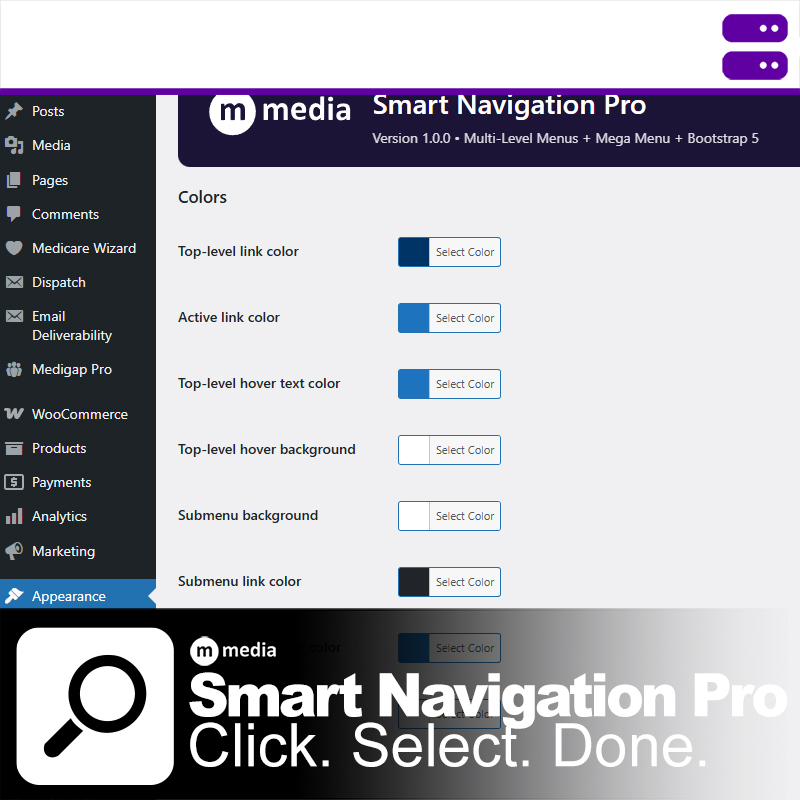
Centralized Styling That Respects Your Brand
All colors and behaviors live in one place:
- Top-level links, hover, and active states
- Submenu backgrounds and link colors
- Dividers and headers
The plugin uses minimal, intelligent CSS and respects dark mode via system preferences.
Built for Developers and Real Sites
- Strict escaping and WordPress coding standards
- Bootstrap 5-compatible markup
- RTL-aware submenu positioning
- No theme file edits required
Smart Navigation Pro is infrastructure. It shows up, does its job, and stays out of the way.